
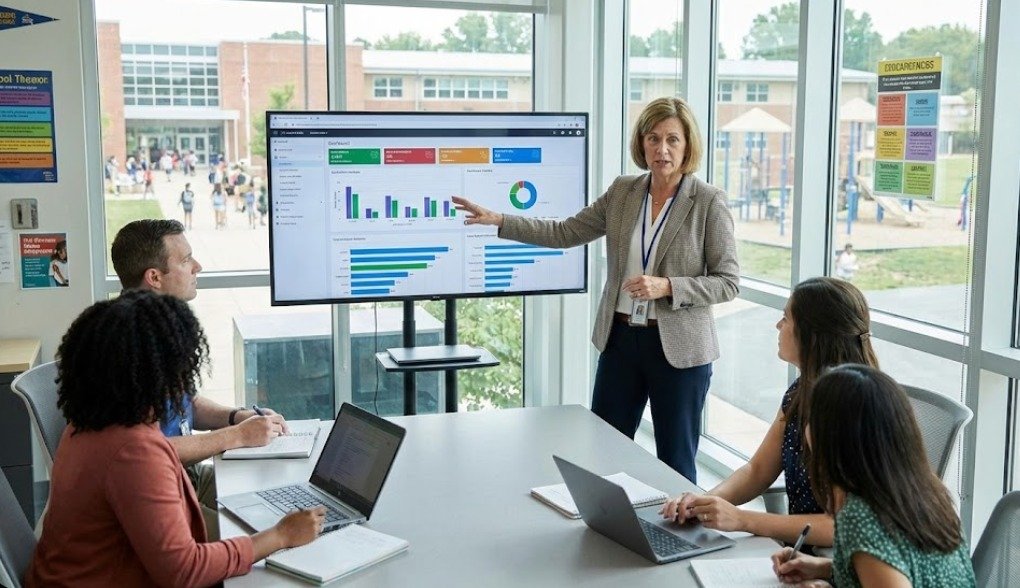
LearnDash Administrator
The LearnDash Administrator acts as the ‘Principal’ of this digital academy, holding master control over the entire ecosystem. This role extends beyond simple oversight to complete school management. Through a centralized dashboard, the Admin reviews and approves courses created by teachers, ensuring all content meets quality standards before publication. The Administrator is also equipped with advanced reporting tools to monitor student activity, track course progress, and analyze financial performance. Furthermore, critical technical aspects—such as site security restrictions and payment gateways—are managed at this level. Essentially, while Teachers teach and Students learn, the Administrator ensures the platform runs securely, efficiently, and profitably.
LearnDash Teacher
The LearnDash Teacher serves as the engine of this digital academy, dedicated to delivering high-quality education to students. Upon logging in, instructors access a specialized ‘Instructor Dashboard’ that is streamlined and free from the technical complexities of the Admin backend. From this intuitive frontend interface, teachers design their curriculums using drag-and-drop builders, upload recorded video lectures, and share study materials like PDFs. They also manage student assessments by creating quizzes and assignments. When students submit work, the teacher can grade submissions and provide feedback directly through the dashboard. This system is designed so that the instructor’s focus remains entirely on teaching and student progress rather than managing website technicalities


LearnDash Student
The LearnDash Student is the core focus of the academy, designed to have a seamless and distraction-free learning experience. Upon logging in, students are immediately directed to their personalized ‘Student Dashboard,’ which displays all their enrolled courses and current progress. From here, they can resume lessons exactly where they left off, watch video lectures, and download study materials provided by the instructor. The interface features interactive progress bars that visually track their advancement through each module. Students actively participate by completing quizzes and uploading assignments for teacher review. The system also rewards their achievements; upon successfully completing a course or passing a final exam, they are automatically awarded a downloadable digital certificate. This intuitive workflow ensures that the student remains engaged with the content without ever getting lost in complicated menus
LearnDash Parent
The LearnDash Parent role bridges the critical gap between the digital classroom and the home environment, acting as an active observer of the student’s journey. Upon logging in, parents access a specialized ‘Guardian Dashboard’ that is linked directly to their child’s account (or multiple children). This interface provides a comprehensive overview of academic performance, allowing parents to monitor real-time course progress, view quiz grades, and check assignment completion statuses. They can see exactly which lessons have been finished and identify areas where the student might be struggling, all without needing to intervene in the actual course content. This transparency ensures that parents remain fully informed and engaged without needing to constantly email teachers. Ultimately, this role empowers guardians to provide timely support and encouragement, ensuring the student stays on track to achieve their learning goals.